Booking Automation in a Charter Company
How to automate charter bookings: a fleet calendar, statuses, online payments and one availability across channels. A guide for operators.
In season, bookings come in from every direction at once: phone, email, Messenger, a form and portals. If you tie all of that together by hand in a spreadsheet, sooner or later two people get the same boat for the same weekend, and you spend your evening putting out the fire. Booking automation is not magic, it is simply moving these steps into one system that tracks availability, statuses and payments for you. In this guide we show what exactly can be automated and where to start.
What slows down manual bookings
A manual process has three bottlenecks. The first is availability: a calendar in your head or a spreadsheet cannot keep up with inquiries from several channels. The second is communication: every inquiry is a series of back-and-forth emails before it even becomes a booking. The third is payments: tracking who paid the prepayment, who to send a reminder to, and who needs to pay the balance before the trip eats up a lot of time.
Each of these bottlenecks has a cost. A slower reply is a lost booking, because the customer goes where they get an instant confirmation. A mess in availability means double bookings. And tracking payments by hand is hours of admin that no one gives back to you.
What can be automated
Booking automation in charter comes down to a few things the system does instead of you. Below are the most important, along with the effect they have day to day.
| Element | Manual | Automated |
|---|---|---|
| Fleet availability | spreadsheet, calendar in your head | one calendar, instant date block |
| Booking statuses | notes, memory | Inquiry, Option, Confirmed in one view |
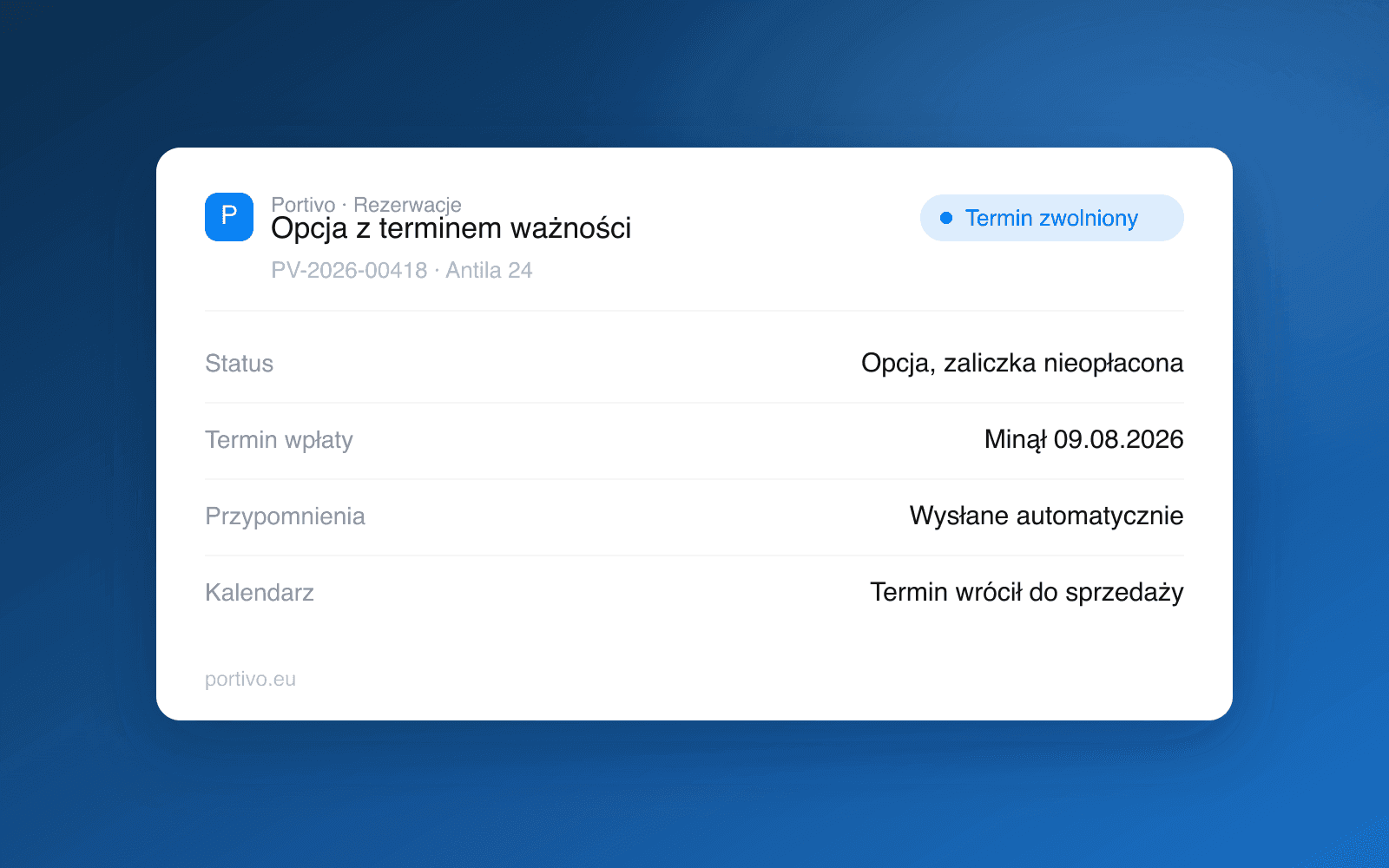
| Payments | manual tracking | prepayment and balance with reminders |
| Sales channels | separate updates | one availability across channels |
| Contract and pickup | paper at the dock | e-signature and report online |
In Portivo this process is handled by six modules: bookings, payments, offers, the storefront, marketing and handover reports. The customer pays by card, BLIK, Przelewy24, bank transfer or cash at pickup, and the operator sees everything in one booking record instead of in five places.
The calendar and statuses in one place
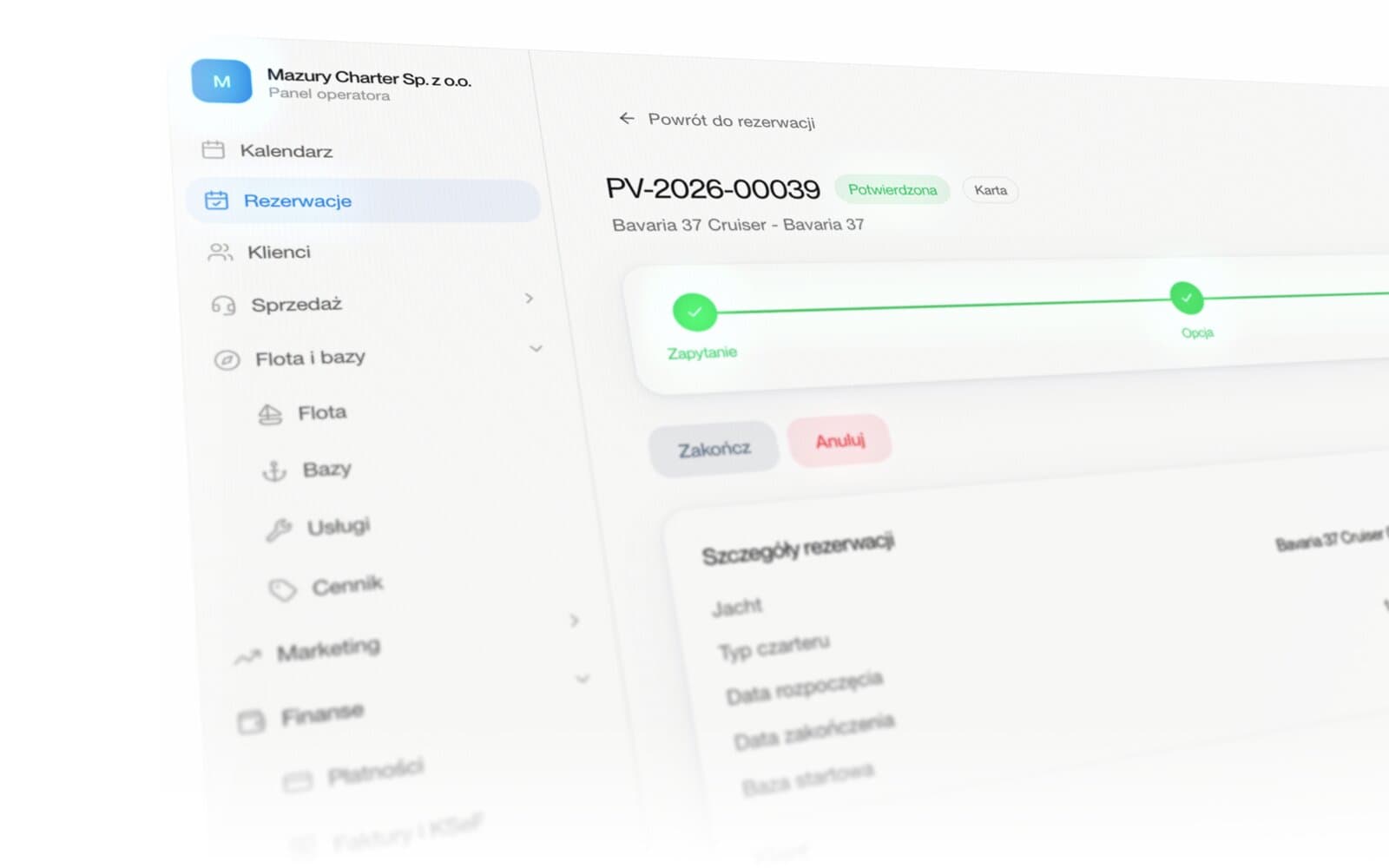
The heart of automation is a shared fleet calendar and clear statuses. When an inquiry turns into an option, and an option into a confirmed booking, the date is blocked right away, so no one else can book the same boat. This is the simplest way to avoid double bookings, which in a manual process are only a matter of time.
Statuses also bring order to teamwork. Everyone sees which bookings are still tentative, which are waiting for payment, and which are closed. Instead of asking each other, you look at the same picture.
A booking the customer makes themselves
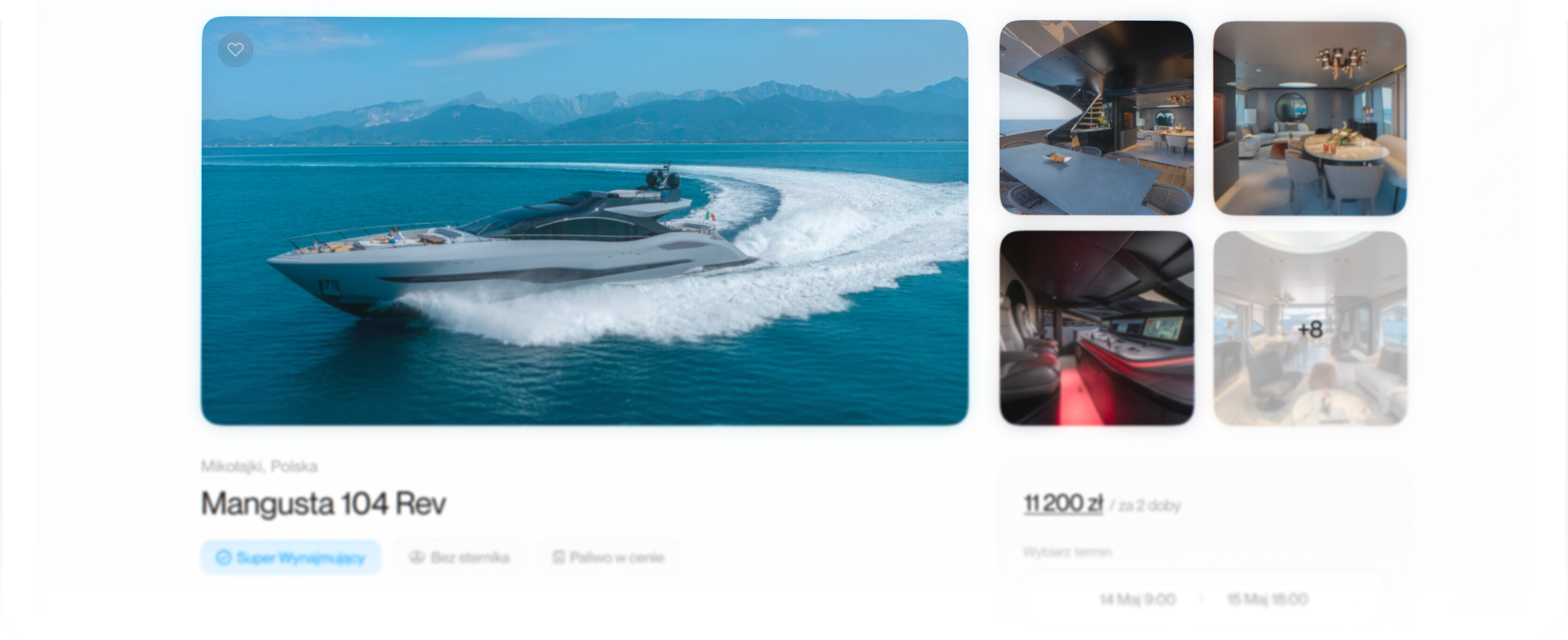
The biggest jump in efficiency comes from moving bookings to self-service. Instead of replying to inquiries, you give the customer a page where they see availability, pick a date and pay. The booking goes straight into the calendar, and you step in only when needed. This is exactly the mechanism behind the promise of up to 38 percent more direct bookings, shown on the Portivo site as a product promise.
Self-service works best when it combines payment and policy in one step, because the customer closes everything at once. For more on how to build direct bookings and cut OTA commissions, we have a separate guide.
One availability across many channels
If you sell not only through your own site but also through portals, automation has to include synchronization. The point is that one booking in any channel immediately reduces availability everywhere else. Without it you go back to manually updating several calendars, that is, back to square one. We break down how this works in our piece on the channel manager for charters.
Automation does not take away your control. The routine, that is blocking dates, reminders and updating channels, is taken over by the system. The decisions and customer contact stay on your side.
Where to start
You do not have to automate everything at once. Start with a shared calendar and statuses, because that immediately cuts the risk of double bookings. Then add online payments with reminders for the prepayment and balance. Finally, connect a self-service page and channel synchronization. Each of these steps saves time on its own, and together they close the whole booking loop. You will find the wider picture of the fleet process in the guide to charter fleet management, and you can see a ready booking panel on the online bookings page.
Frequently asked questions
What does it mean to automate charter bookings?
It means moving availability, statuses, payments and channel synchronization into one system that tracks them instead of you. You cut manual emails, spreadsheets and the risk of error.
Does automation help avoid double bookings?
Yes. A shared calendar blocks the date the moment a booking is confirmed, so the same boat is not rented twice for the same period, regardless of the channel.
Can the customer book and pay themselves?
Yes. On your own site the customer sees availability, picks a date and pays by card, BLIK, Przelewy24, bank transfer or cash at pickup, and the booking goes straight into the fleet calendar.
How much time does booking automation save?
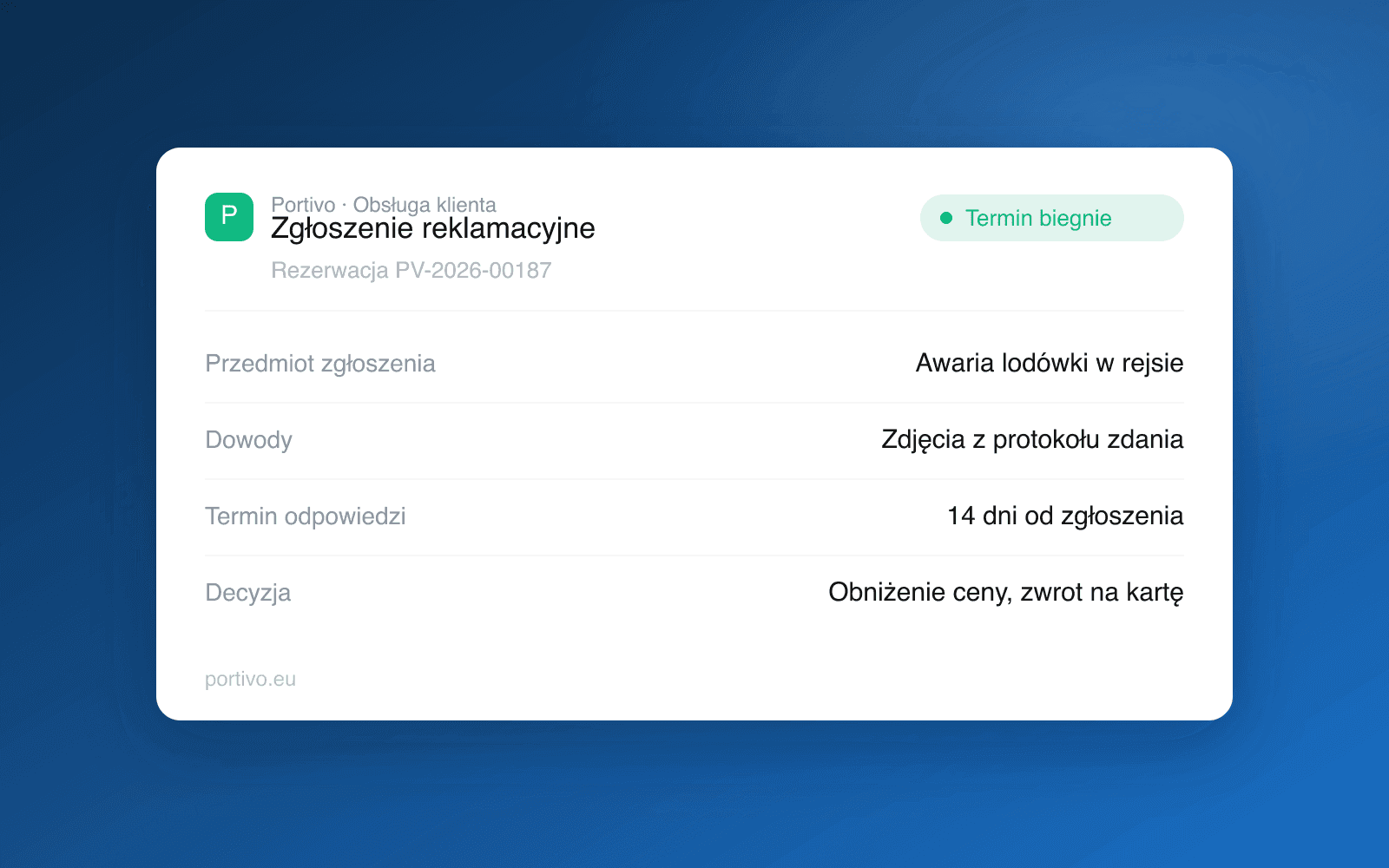
Portivo shows up to 70 percent less time on admin as a product promise. The real saving depends on the fleet size and the number of channels, but self-service and automatic reminders give the most.
Can sales be automated across several channels at once?
Yes, if you use availability synchronization. One booking in any channel reduces availability everywhere, so you do not have to update several calendars by hand.
Want customers to book and pay themselves, with the calendar keeping itself in order? Book a meeting and see the booking panel in action.