Customer reviews for a charter company: how to collect them and turn them into bookings
Customer reviews decide which charter operator wins the booking. See when to ask, how to verify a review and how to publish it on your own website.
Reviews are the cheapest sales channel a charter company has. A customer choosing between three similar boats at similar prices almost always decides on the strength of the reviews. The problem is that most operators collect them by accident: they ask when they happen to remember, and only the customers they already know were happy. Below we show how to turn that into a repeatable process that runs after every charter.
Why reviews are collected automatically, not from memory
Asking by hand has three flaws. First, it happens rarely, because nobody has the headspace in peak season. Second, it is selective, so the rating profile does not reflect the real quality of the service. Third, it arrives too late: a request sent two weeks after the trip reaches someone who now only remembers the traffic jam on the way home.
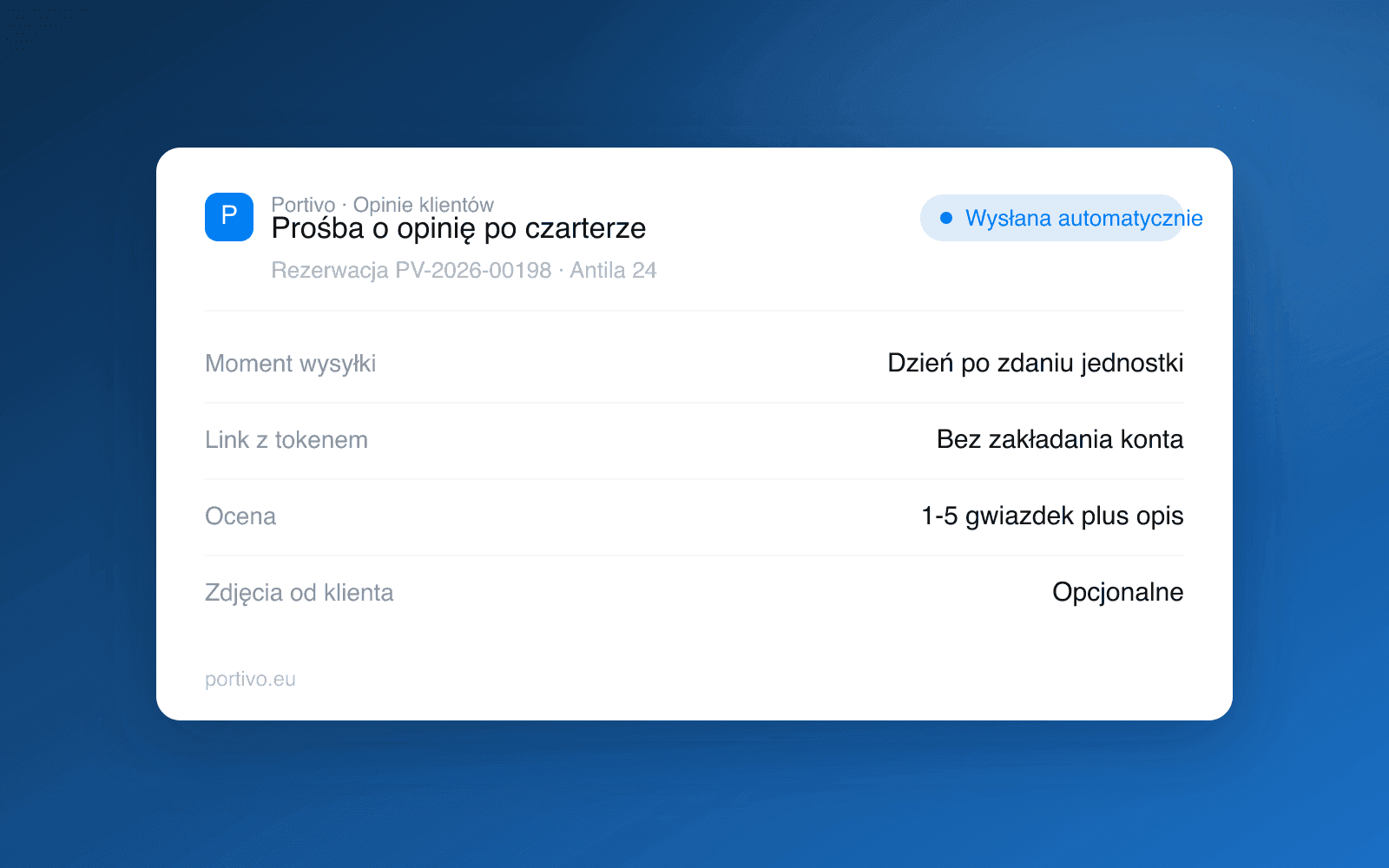
The highest response rate comes from a request sent right after the charter ends, while the impressions are fresh and the customer still feels in touch with the company. That is why in Portivo the review request goes out automatically the day after the boat is returned, and the operator can switch it on or off separately for the whole company or for a chosen boat. It is the same outbox mechanism that handles the rest of the post-booking communication, described in our article on booking automation.
What a good review request looks like
| Element | Good | Bad |
|---|---|---|
| Timing | the day after the boat is returned | a week or two later |
| Number of steps | one link, no account needed | registration and an eight-field form |
| Content | a short question about that specific trip and boat | a generic request to rate the company |
| Scale | one to five stars plus room for a comment | a slider with no comment |
| Photos | optional, voluntary | required |
The number of steps matters most. Every extra click cuts into the responses, and a token link leading straight to the form removes the login problem entirely. The customer does not have to create an account to leave a review of their own trip.
A verified review versus a review from nowhere
A review linked to a specific booking is worth more than an anonymous entry, for two reasons. For the reader it is credible, because it is visible that the author actually sailed. For you it is safe, because it filters out entries from people who were never your customer, including malicious reviews from competitors.
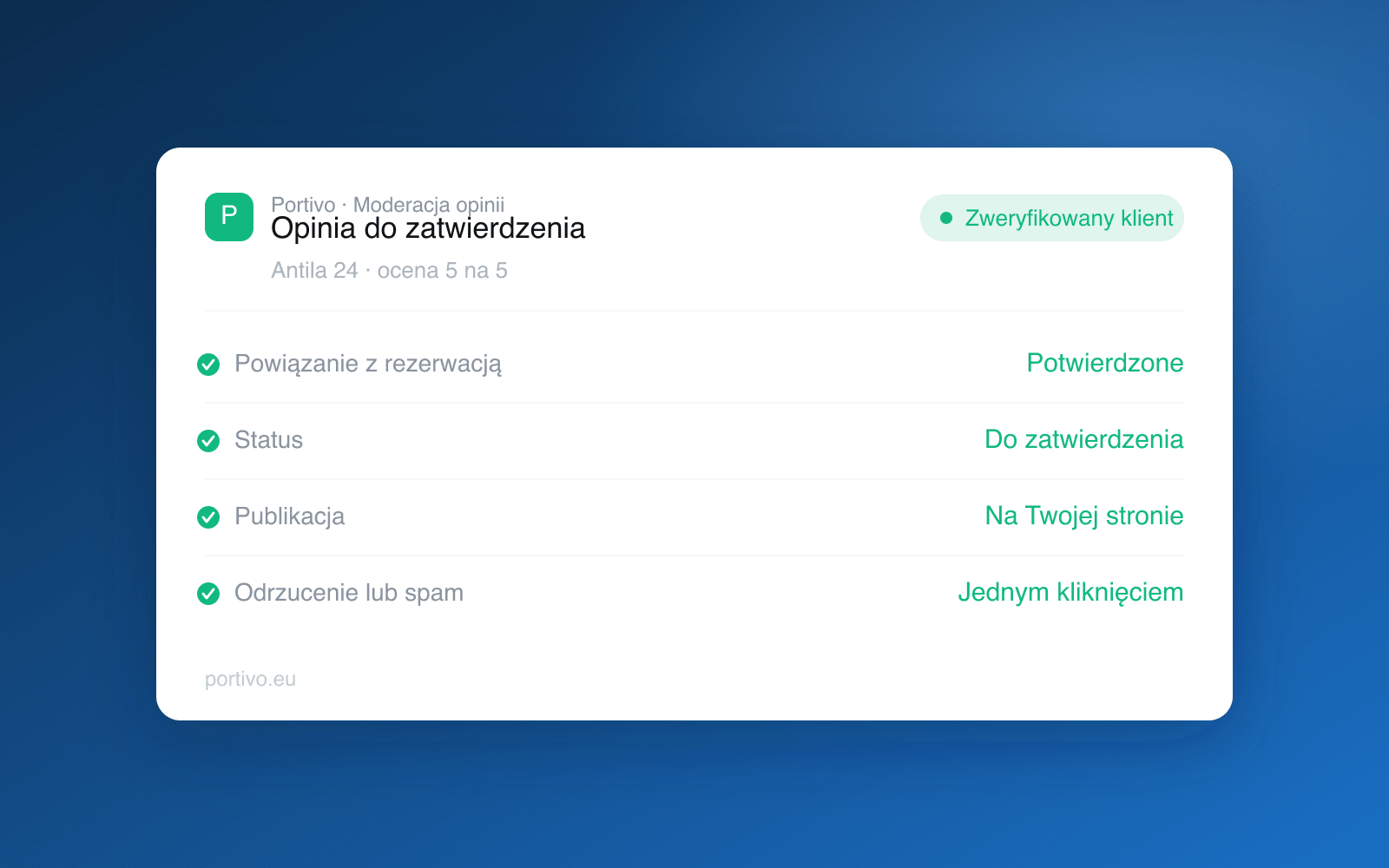
In practice it works like this: a review first lands in the queue with a pending status, and you decide whether to publish it, reject it or mark it as spam. Reviews from customers with a linked booking are clearly flagged. Moderation is not there to hide criticism, only to filter out entries that do not concern your service.
Do not delete negative reviews that are true. A profile made up exclusively of top scores reads as bought, and one factual reply to criticism is more convincing than ten enthusiastic entries.
Where those reviews should work
Most operators collect reviews only where they sell through an intermediary. That is convenient, but it builds the reputation of somebody else's service rather than your own brand. If a customer comes back next year, they should come back to your website, not to a search engine where they will see three competitors alongside you again.
That is why, once approved, reviews are published on your own storefront, next to the specific boat, beside the calendar and the booking button. It is the same direction we describe in our article on direct bookings without OTA commission and in our guide to marketing for a charter company. The website with your offer and booking is itself one of the six Portivo modules, described on the operator website page.
What to do about a low rating
A low rating is operational information, not just a reputational issue. Three one-star reviews for the same boat within a month usually do not mean difficult customers, but something to fix: a dirty boat at handover, confusing pickup rules or an engine that needs servicing.
A practical workflow looks like this:
- Get notified immediately. You want to know about a low rating the same day, not in the end-of-season summary.
- Contact the customer outside the public reply. First an explanation, then a public response if needed.
- Check the reports. Handover and return entries often show what went wrong. This brings us back to the yacht handover report.
- Fix the process, not the listing copy. If customers complain about the handover time, you change the time, not the wording in the terms.
How many reviews are enough
There is no threshold at which reviews start working, but there is a practical rule: freshness and regularity are what count. Twenty reviews from the current season build more trust than a hundred entries from four years ago, because the customer is checking whether the company is active today. An automatic request after every charter solves this on its own, with no chasing.
If you want review requests, moderation and publication in the same system you run your bookings in, book a meeting. Pricing depends on fleet size and we confirm it in that conversation, details on the pricing page.
Frequently asked questions
When is the best time to ask for a review after a charter?
The day after the boat is returned. The impressions are still fresh and the customer is still in contact with the company. A request sent a week later has a noticeably lower response rate.
Does the customer need an account to leave a review?
No. The request contains a token link leading straight to the form for that specific booking, so a single click and a rating are enough.
Can reviews be moderated?
Yes. Every review lands in a queue first and only appears publicly once approved. Moderation is there to filter out spam and entries unrelated to your service, not to hide genuine criticism.
Can reviews be migrated from another service?
Reviews on external portals usually cannot be moved along with their verified-author status. It is more practical to start collecting your own from the current season, since fresh reviews carry more weight than archived ones anyway.