Moving from Excel to a booking system: a one-week plan
How to move your fleet, calendar, pricing and customers from a spreadsheet to a booking system without losing data or pausing the season. Step by step.
A spreadsheet runs a fair number of charter companies and works well for a long time: it is free, flexible and everyone knows it. Trouble starts when two people enter bookings at the same time in high season, a customer asks about a date from six months ago, and weekend rates differ from weekly rates across four tabs. Below we show exactly what you move into a booking system, in what order, and how to fit the whole migration into a single week.
Signs your spreadsheet has run out of road
It is not about fleet size, it is about how many people and channels touch the same data. A spreadsheet stops working when:
- two people enter bookings at the same time and one version of the file overwrites the other,
- a customer asks about a free date and the answer requires checking with someone else,
- somebody has to manually track whether the deposit arrived and whether the balance is overdue,
- weekend, weekly and high-season prices live in separate tabs and differ from what the customer sees,
- the booking history from two years ago sits in a file nobody remembers the name of.
The most expensive of these is the double booking, because it costs you not only a refund but your reputation. We covered that separately in the guide on how to avoid double bookings.
What exactly you move
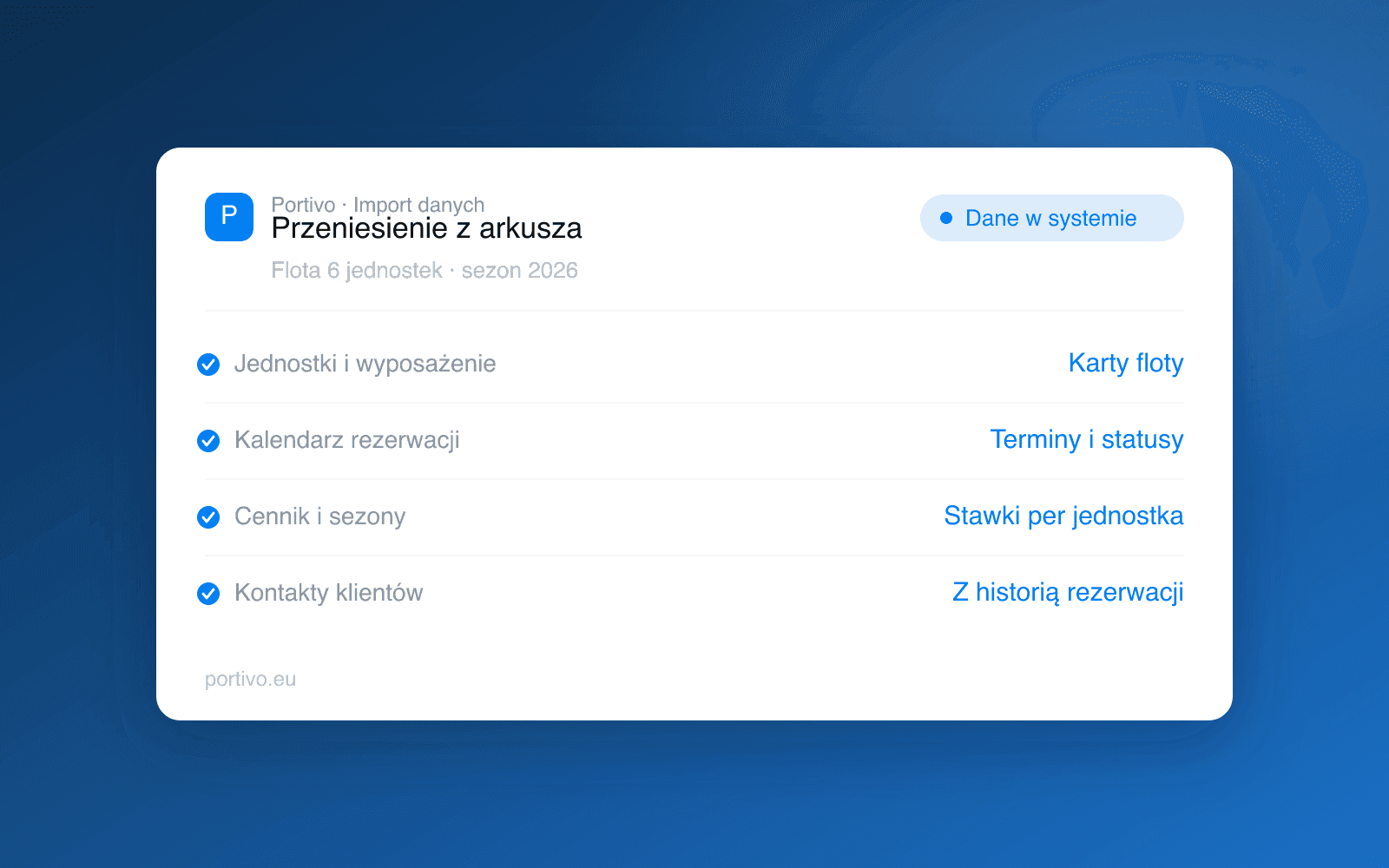
Migration is not copying a file. It is splitting the spreadsheet into four data sets that live separately in the system and only together form the picture of your business.
| Data | Where it comes from | What to watch out for |
|---|---|---|
| Fleet | The tab with the list of boats, photos from your drive | Standardise names, list equipment and berth count |
| Calendar | The booking grid for the current and next season | Move options and provisional bookings too, not just confirmed ones |
| Pricing | Tabs with rates, discounts, extras | Separate the base rate, the season and the minimum-nights rule |
| Customers | Contact list, mailbox | Link the contact to booking history, do not dump loose addresses |
Boat documents, meaning registration, insurance policy and survey, are worth moving together with the fleet straight away. Why, we explain in the guide to insuring a charter yacht.
One week for the move, day by day
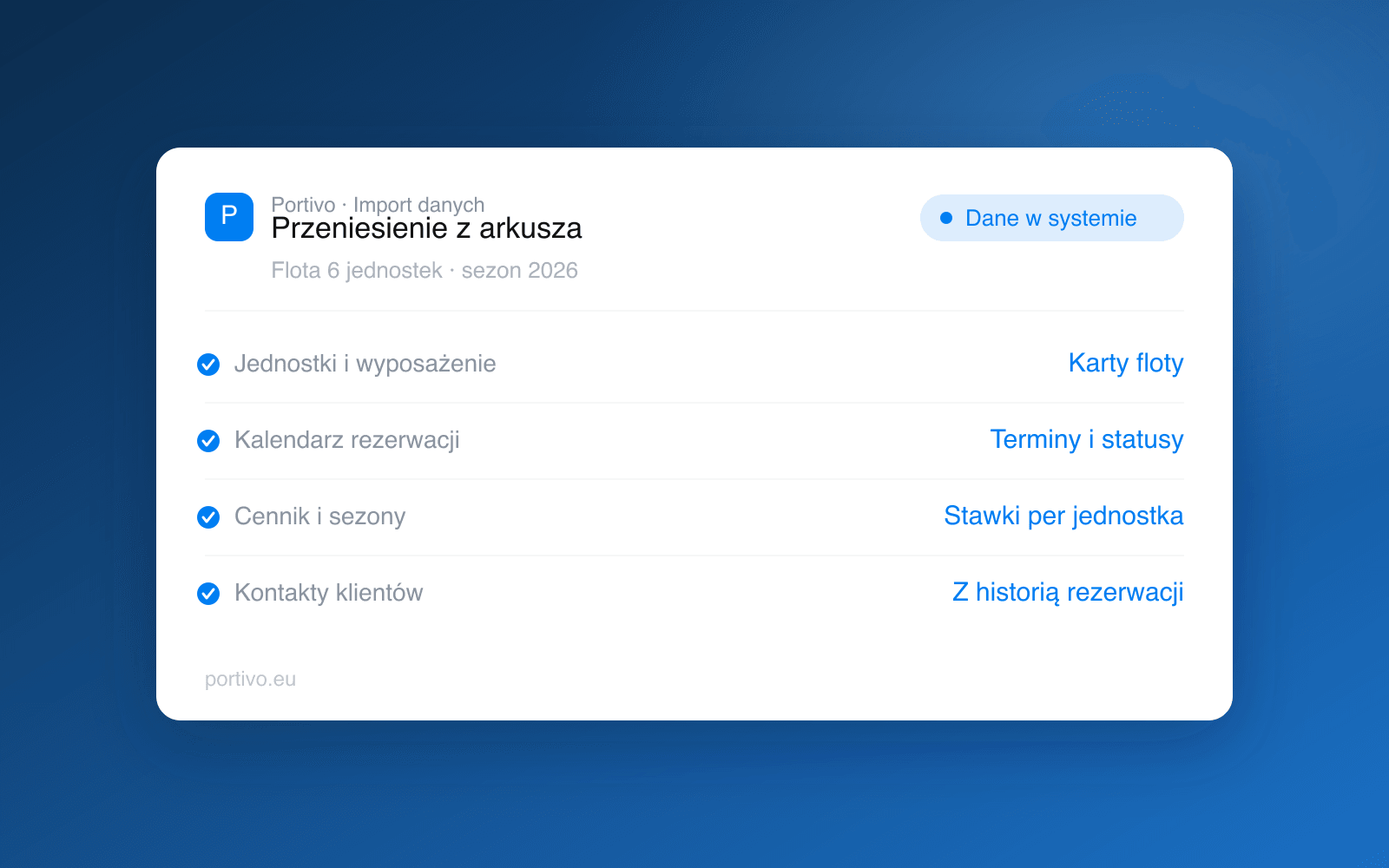
Days 1 and 2: the fleet. You create a record for every boat, upload photos, enter equipment, berth count and documents. It is the most tedious stage, but you do it once and everything else depends on it, because the calendar and pricing hang off the boat record.
Day 3: pricing. Instead of rewriting a table, you break it into rules: base rate, seasons, minimum charter length, discounts. Only pricing structured this way can be calculated automatically at booking time. How to set rates so you do not lose money at peak, we show in the guide to dynamic pricing in charter.
Day 4: the calendar. You enter every booking from today to the end of next season, along with options and balance due dates. You do not retype years of history, keeping the old file in the archive is enough.
Day 5: customers and payments. Contacts come in linked to bookings, not as a bare address list. You switch on the payment methods you want to use: card, BLIK, Przelewy24, bank transfer or cash on handover.
Day 6: a dry run. You walk the whole path as a customer: choosing dates, the quote, the deposit, the confirmation, the balance. You check that the amounts add up and that emails go out with the right content.
Day 7: the switch. You set the date from which the spreadsheet becomes read-only and you tell the team. One cut-off date matters more than perfectly migrated data, because two parallel sources of truth are the shortest path to a mismatch.
Do not run the spreadsheet and the system side by side "just in case". After a week it turns out some bookings exist only in one of them, and you are back where you started. Keep the old file as a read-only archive.
What not to move
A migration is a good moment to leave a few things behind: dead contacts with no marketing consent, boats retired from the fleet, discounts granted once and never closed, and rates nobody has used for two seasons. The less junk you carry over, the fewer exceptions you will handle manually for years to come.
The first week after the switch
The first days are mostly about unlearning old habits. Instead of entering a booking by hand, you check whether it came in from your website. Instead of tracking balances in your phone calendar, you look at the list of bookings with due dates. Instead of sending the same handover instructions email, you check that it went out automatically.
It is worth agreeing that week who owns what in the new setup, especially if seasonal staff join you. Splitting roles without chaos is covered in the guide to the team in a charter company. Everything else, meaning bookings, payments, quoting, the website, marketing and handover protocols, is six modules that in Portivo run on the same data, so information entered once is visible everywhere. The fleet calendar and booking statuses are handled by the Bookings module.
What it costs
The cost of the system depends on fleet size and we confirm it in a meeting, so we do not quote ranges here: current terms are on the pricing page. It is fairer to count the other side of the equation: what one lost peak-season date costs you and how many hours a week manual balance chasing eats. If you want to go through the move with someone who has done it before, book a meeting: we will show what migrating a fleet and calendar looks like on your data.
Frequently asked questions
Does migrating from Excel mean pausing bookings?
No. You keep taking bookings as usual and enter them into the system as they come from the day the move starts. The key is one agreed date after which the spreadsheet stops being the source of truth.
What about booking history from several years back?
Leave it in the archive. Move current and future bookings plus the contacts of customers who actually return. Keep old spreadsheets as read-only files in case your accountant has questions.
Does everything have to move at once?
No, but the order matters: fleet first, then pricing, then the calendar. A calendar without boat records and rates cannot produce a quote, so the reverse order ends with fixing the same data twice.
How long does the team need to learn the system?
The time goes into changing habits, not into the software. The person taking bookings usually needs one working day of normal traffic to stop reaching for the spreadsheet.